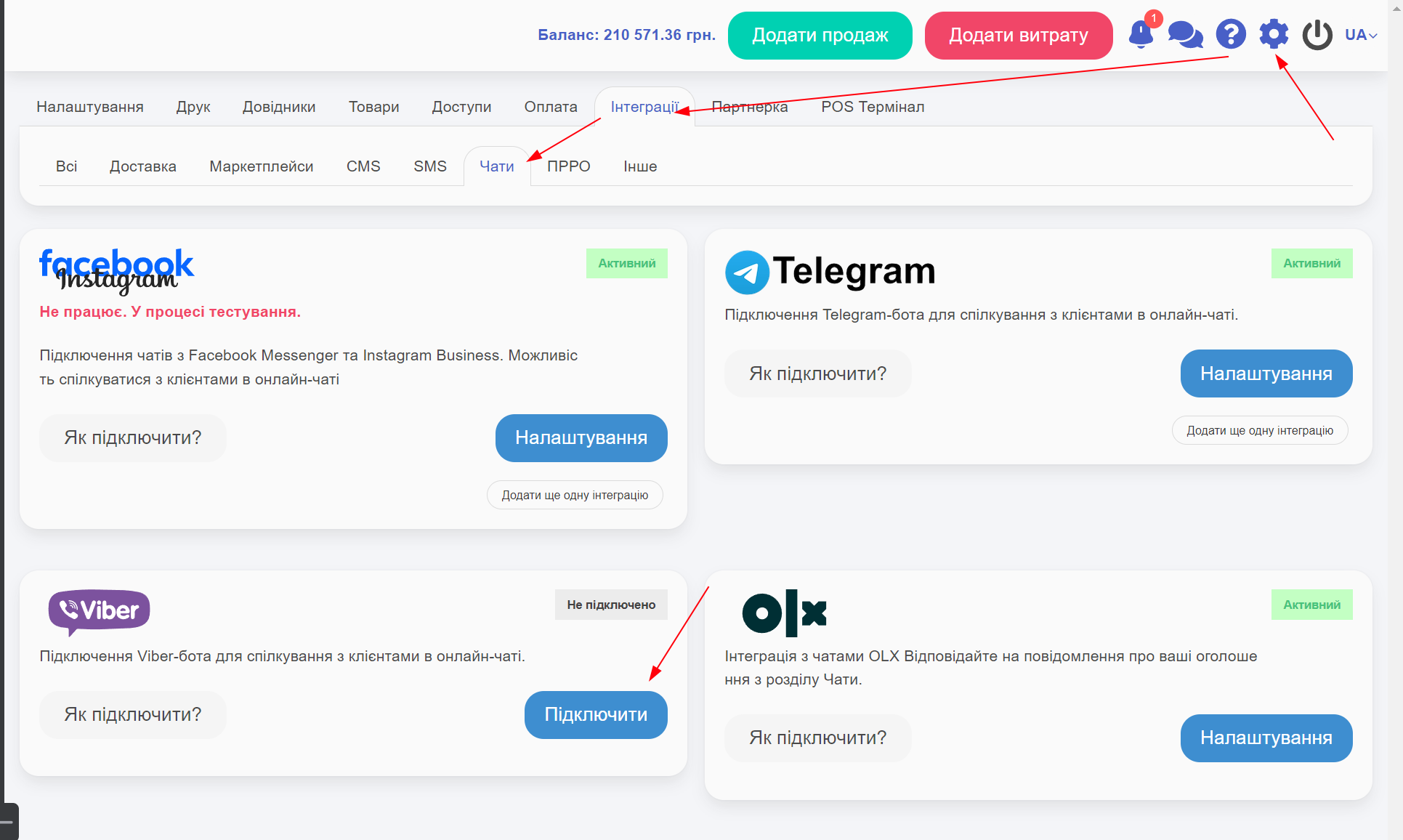
To display the section with chats, you need to enable one of the integrations in the Settings -> Integrations -> Chats section.
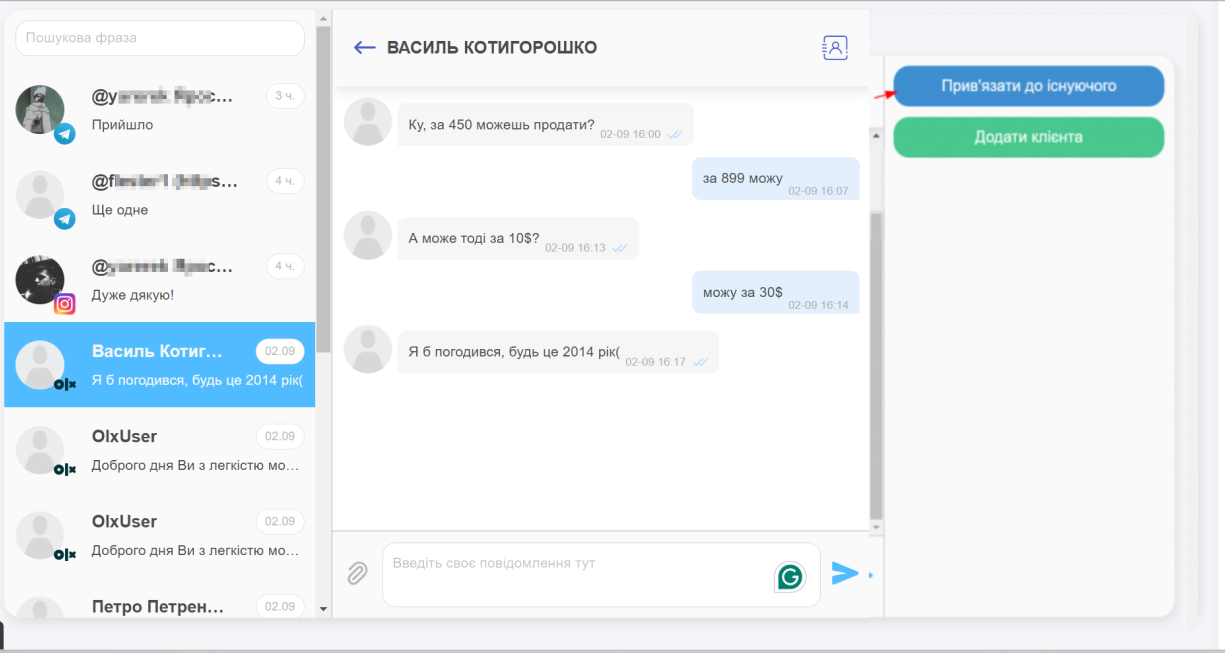
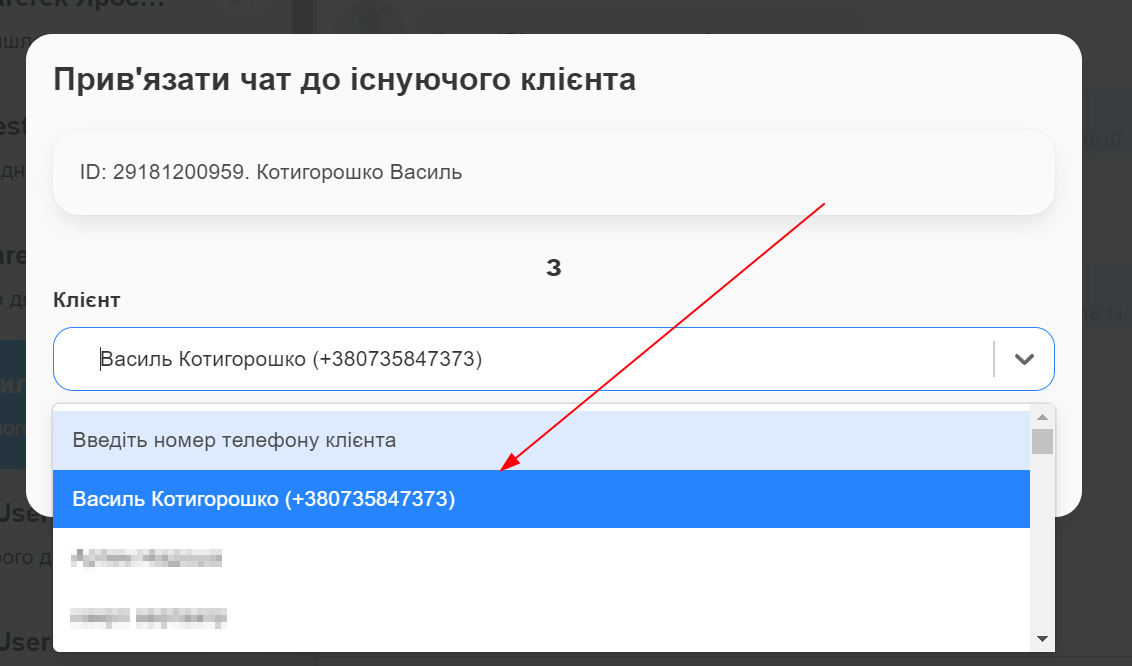
You can link an existing client to the chat or create a new one. Integrations with Chats do not provide complete personal information about the client. You need to link the chat to the client for more comprehensive client information:
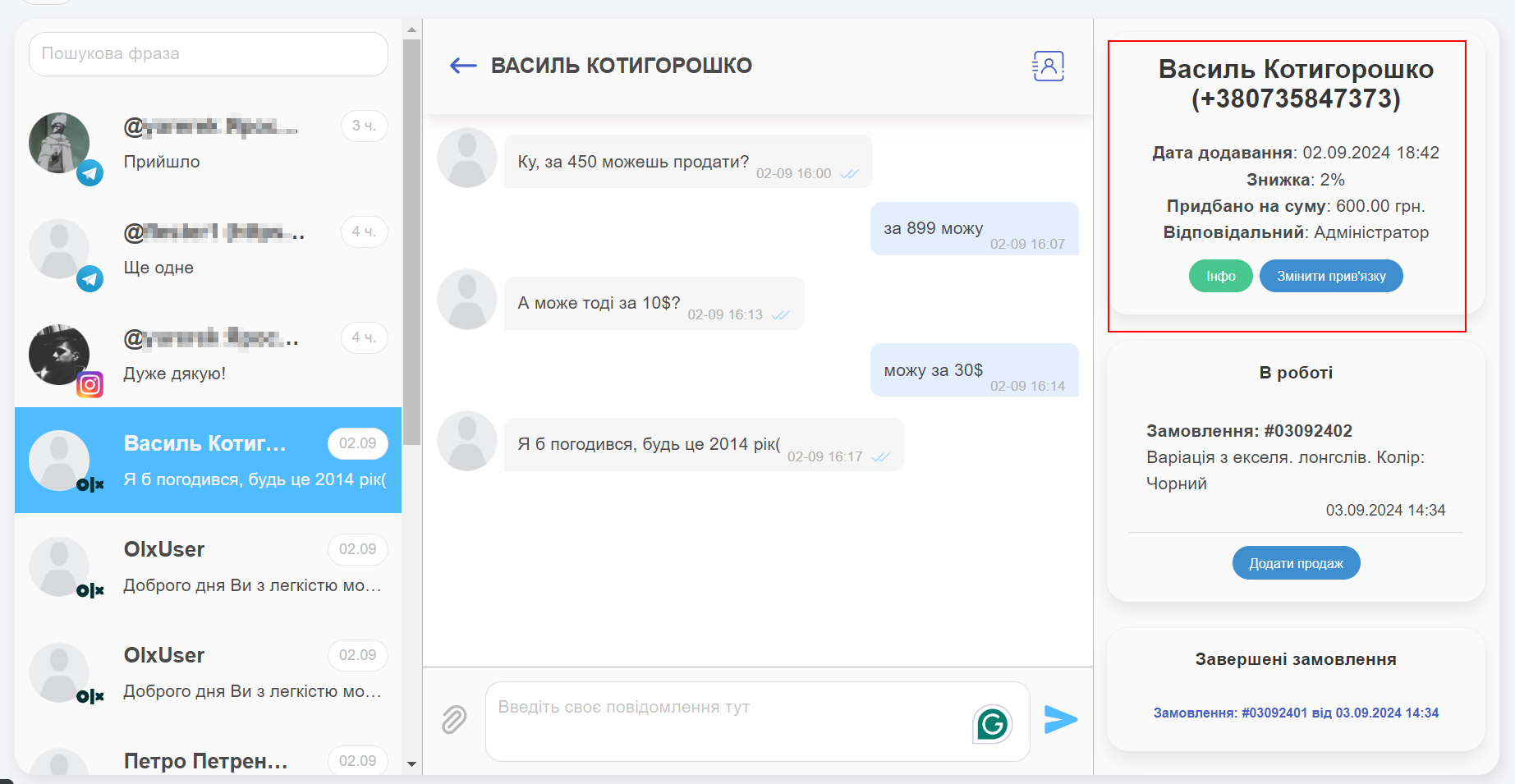
Information about the client from the product card and changing the chat link to the client:
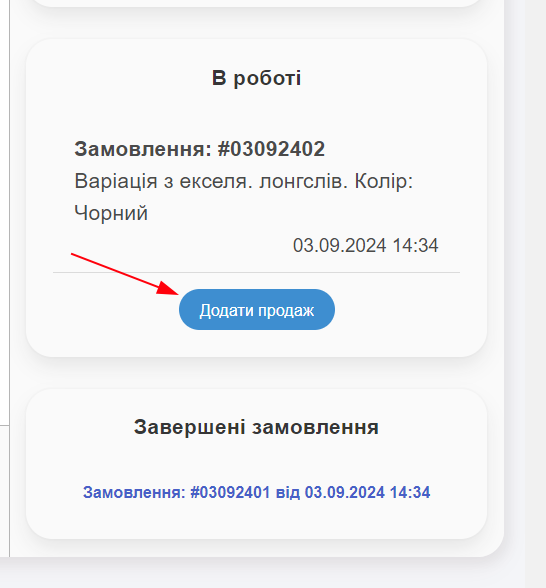
A list of unfinished and successful orders. You can add a new order:
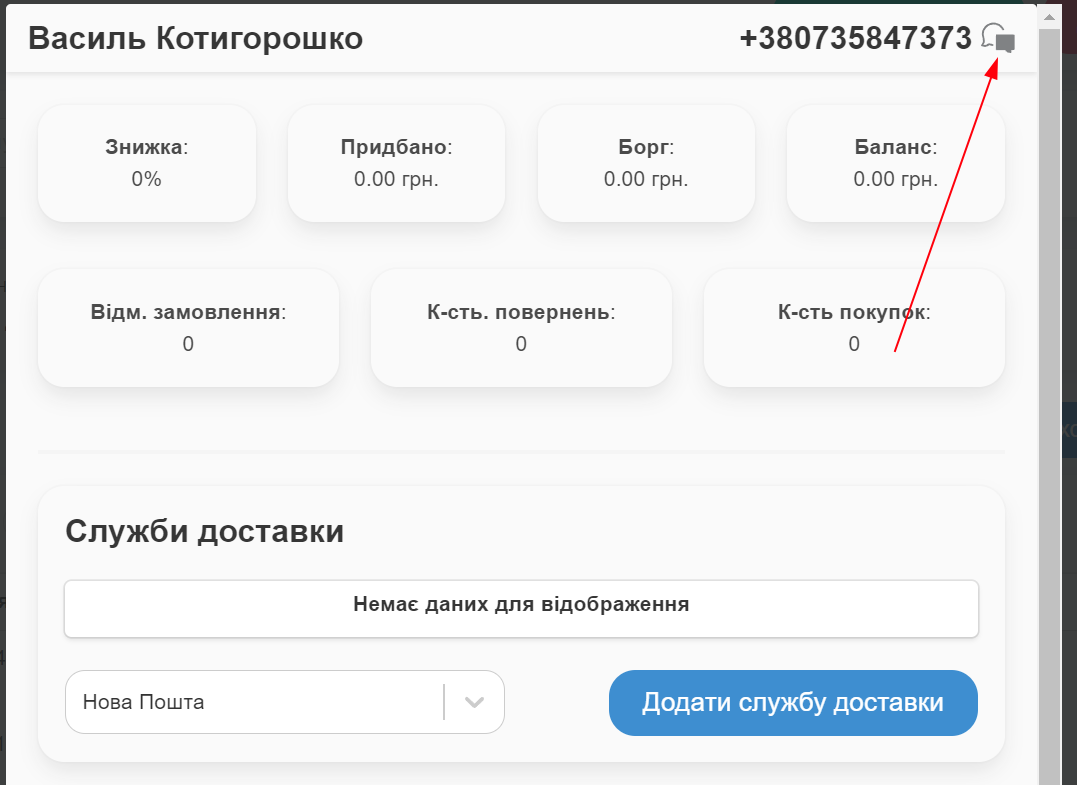
Also, if a chat already exists with the client, you can access it from the client’s card.
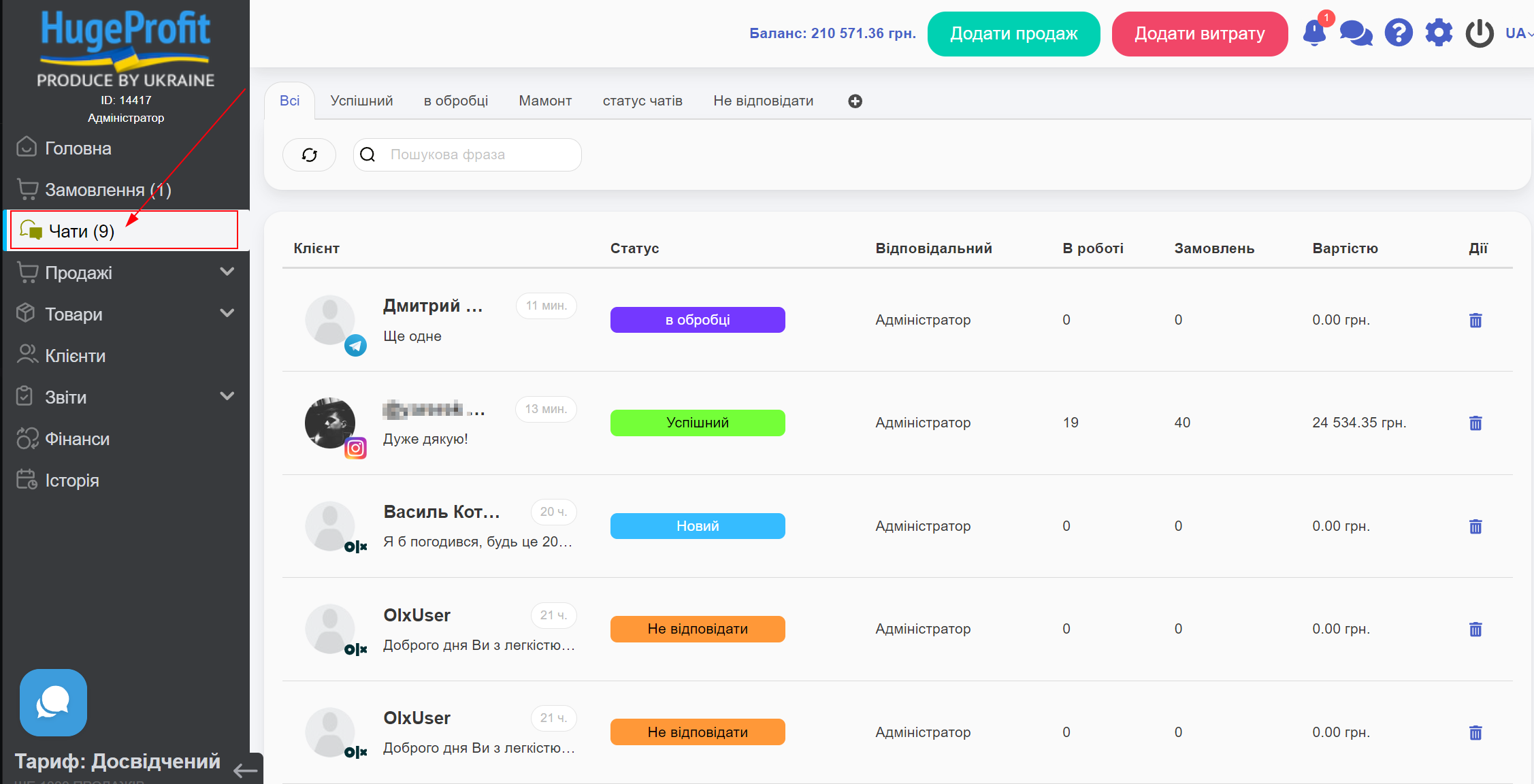
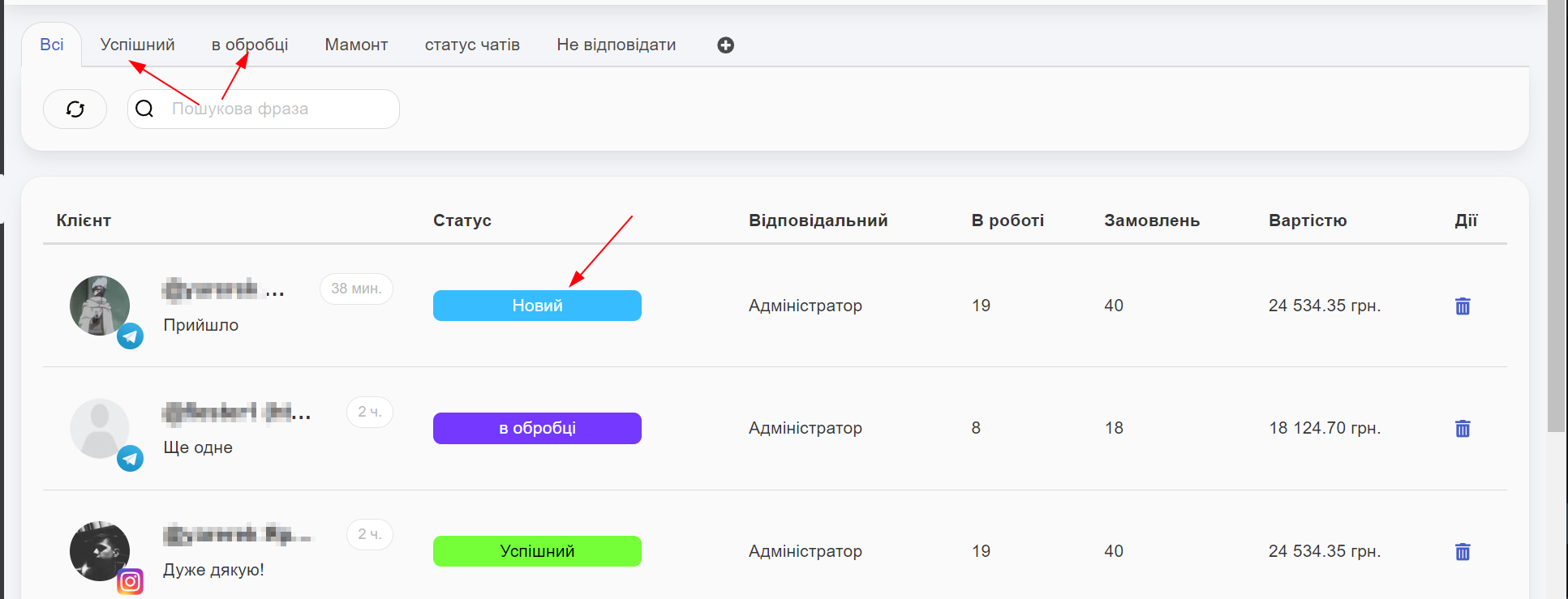
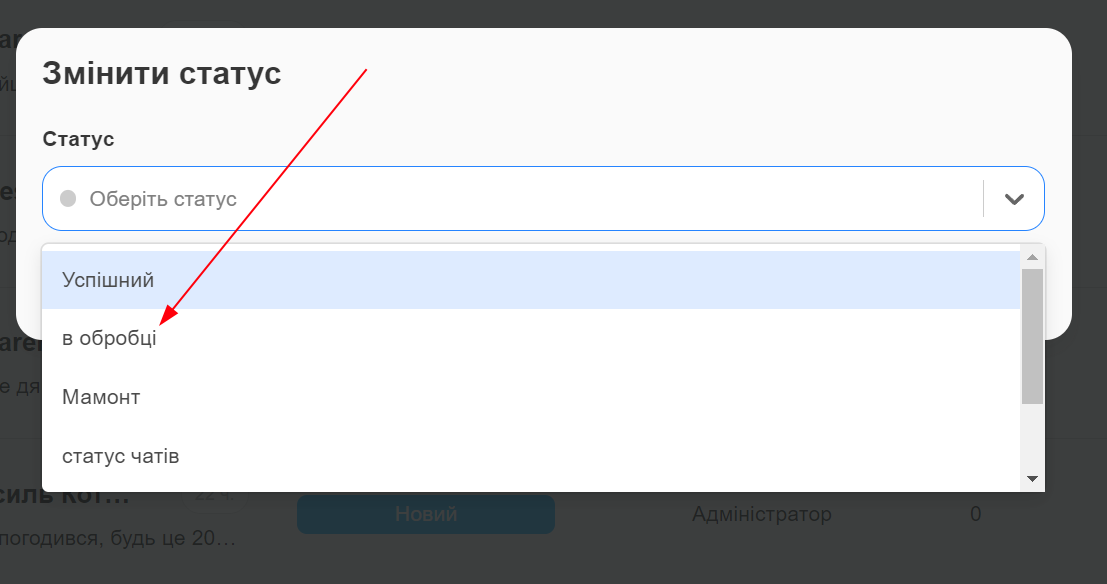
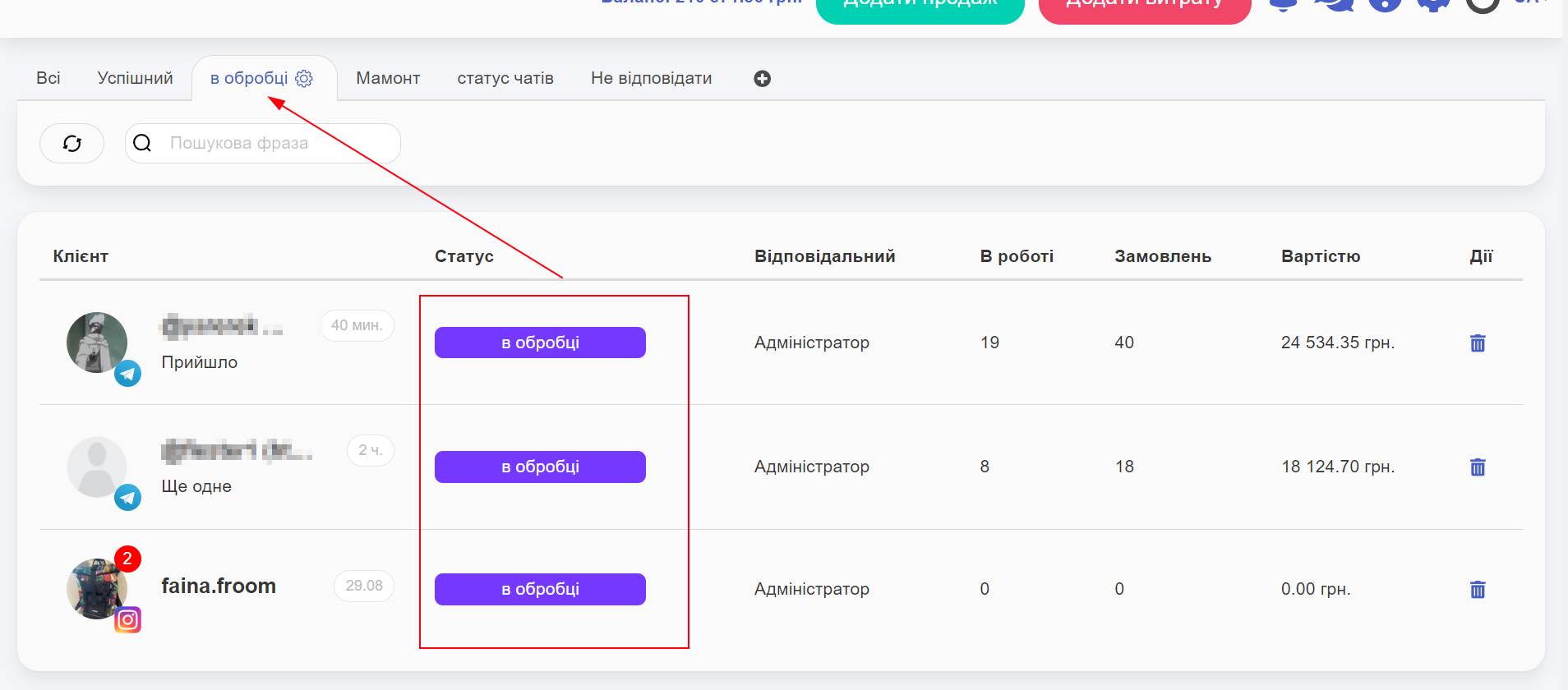
You can change the chat status by clicking on the status. Statuses are grouped into tabs:
Learn more on the CRM for marketplaces page.
