To add a new product, you need to go to the Products section and click the “Add Product” button (Screen …
Корисні статті для підприємців | CRM/ERP Huge Profit
To add a new product, you need to go to the Products section and click the “Add Product” button (Screen …
Let’s consider this as an example. Let’s say you have 5 units of a product in stock, and you received …
In the Sales section, there are currently 5 types of statuses for sold goods (Screen 1). All; For shipment; Being …
1. Integration with Nova Poshta; 2. How to Integrate with Woocommerce in HugeProfit Service; 3. How to Integrate with Prom.ua …
Warning: To integrate HUGEPROFT with KHOROSHOP – the Pro or B2B tariffs must be connected in the KhoroShop account and …
Integration. Loading and Synchronizing Products Integration In the HugeProfit system, find Settings – Integrations – Rozetka, and proceed to fill …
STEP 1. To move a product from one warehouse to another, you need to go to the Products – Transfers …
To integrate with Nova Poshta in our service, you need to go to the “Integration” tab and enter the key …
General 1. Can I use a barcode scanner? 2. What printer should I use for labels and receipts? 3. Is …
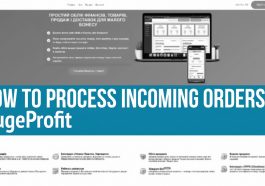
Step 1. In order for the order processing functionality to be activated, you need to integrate between the service and …